Simple Input Controls
The 16. Interactive Sales Report example has several input controls:
-
Product Family
-
Product Department
-
Product Category
-
Product Name
-
Country
-
Gender
Using input controls, you run the report with one set of data and then another. When saved, an instance of the report with alternate input controls is called a Report Version, and is labeled as such in the repository.
To run a report with simple input controls
-
In the repository, locate and run the report 16. Interactive Sales Report.
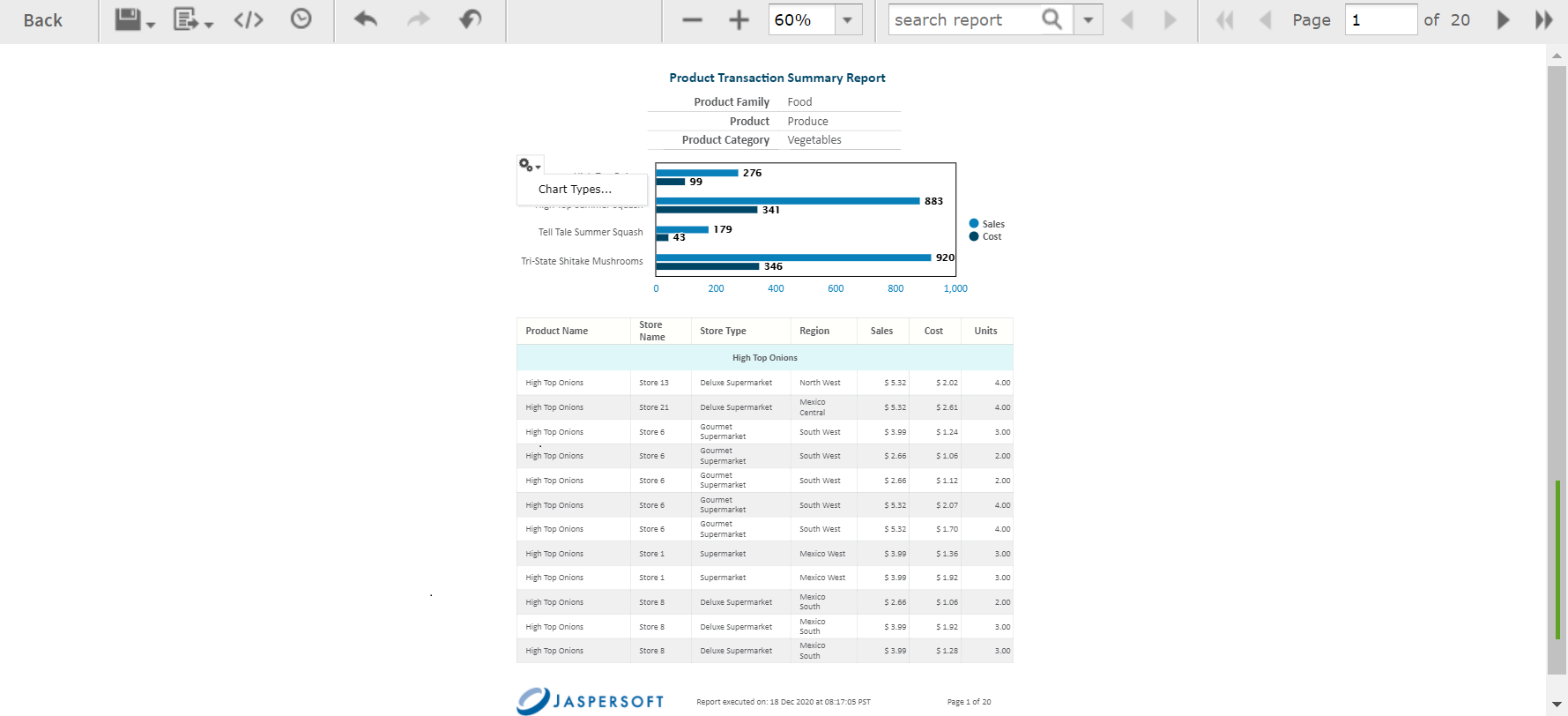
Figure 1 Interactive Sales Report
-
In the Filters panel, use the Country menu to select USA only.
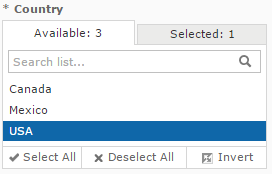
Figure 2 Input Control Selection - Country
-
Click Close, then click Apply at the bottom of the panel. The report shows data for the USA only.
-
Click
 , then select Save As. You are prompted to name the new report.
 -
Enter a new name, then click Save.