Viewing Parameters
On the Parameters tab, you can view the input controls that are currently applied to the report.
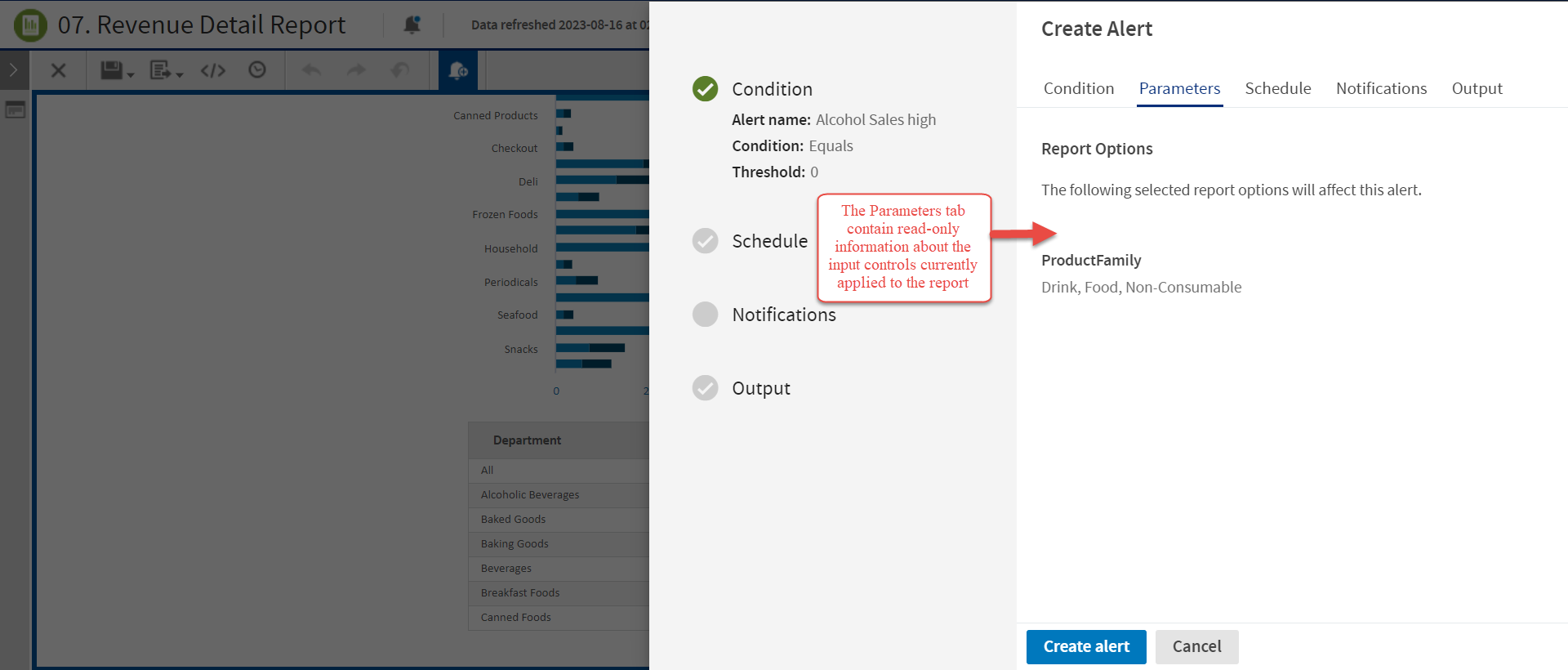
Figure 1 Parameters Tab Enabled
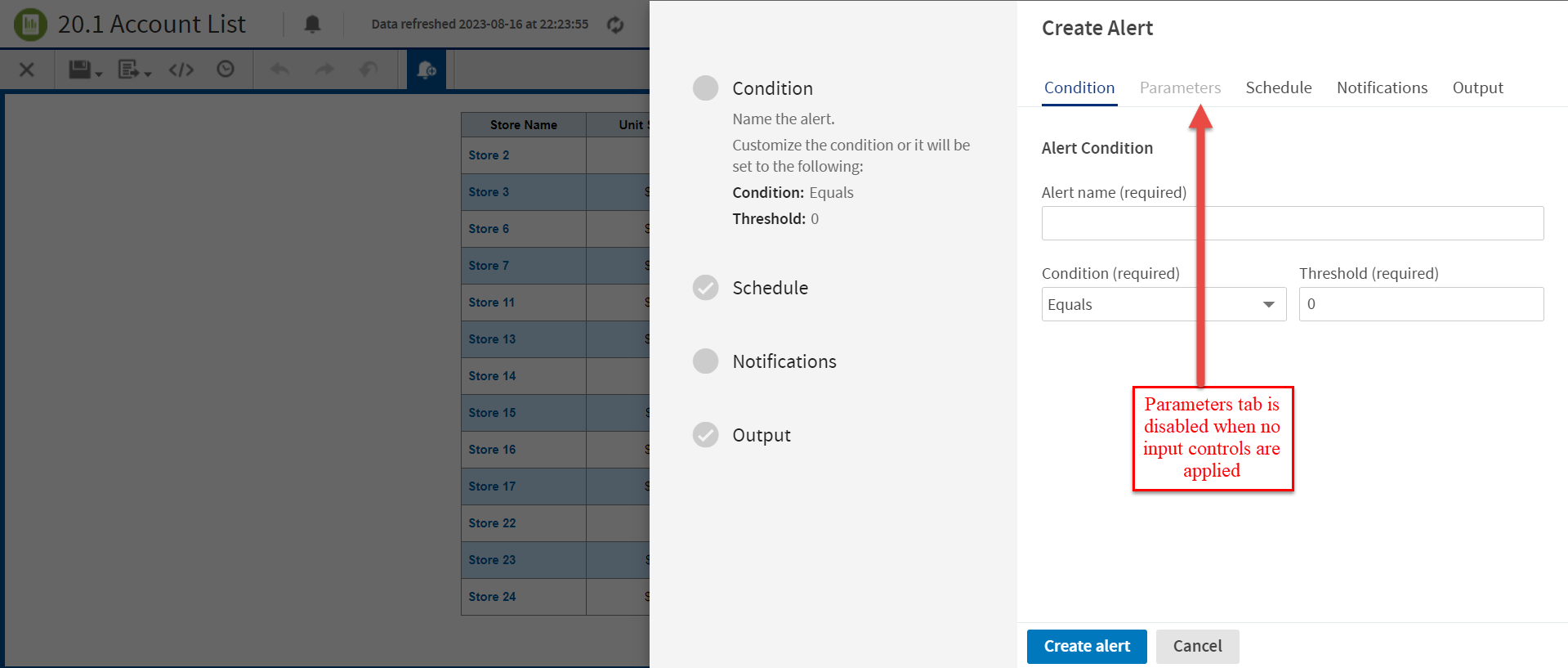
Figure 2 Parameters Tab Disabled
Note
- This tab contains read-only information.
- To modify the input control values, close the Create Alert panel, open the input controls for the report, select the required values, and apply changes.
- The Parameters tab is disabled when the report does not have any input controls applied.