Creating a Project Folder
Project folders help you organize your reports.
To create a project folder
-
Choose File > New > Project. The Select a wizard dialog is displayed.
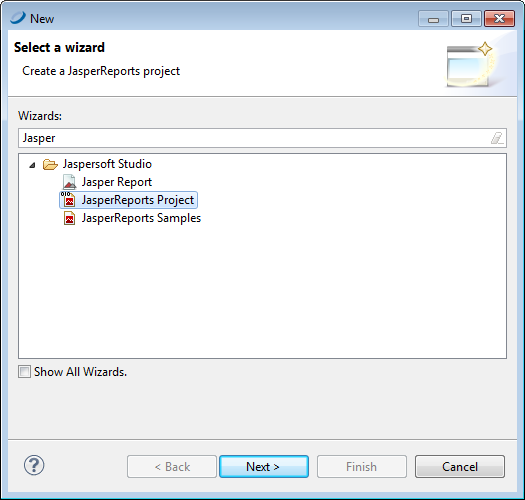
Figure 1 Select a Wizard -
Enter Jasper in the Wizards bar to filter actions to those related to Jaspersoft Studio.
-
Select JasperReports Project. Click Next. The New JasperReports Project wizard appears.
-
Enter a name for your project and click Finish. The Project Explorer displays your project.
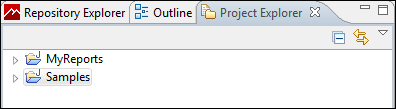 |
| Figure 2 Project Explorer |