Adding Templates
Once you have created a custom template, you need to add it to Jaspersoft Studio to use it.
To add a template to Jaspersoft Studio
-
Go to Window > Preferences (Eclipse > Preferences on Mac).
-
Go to ** > Jaspersoft Studio > Resource Folders Locations > Report Templates Locations**.
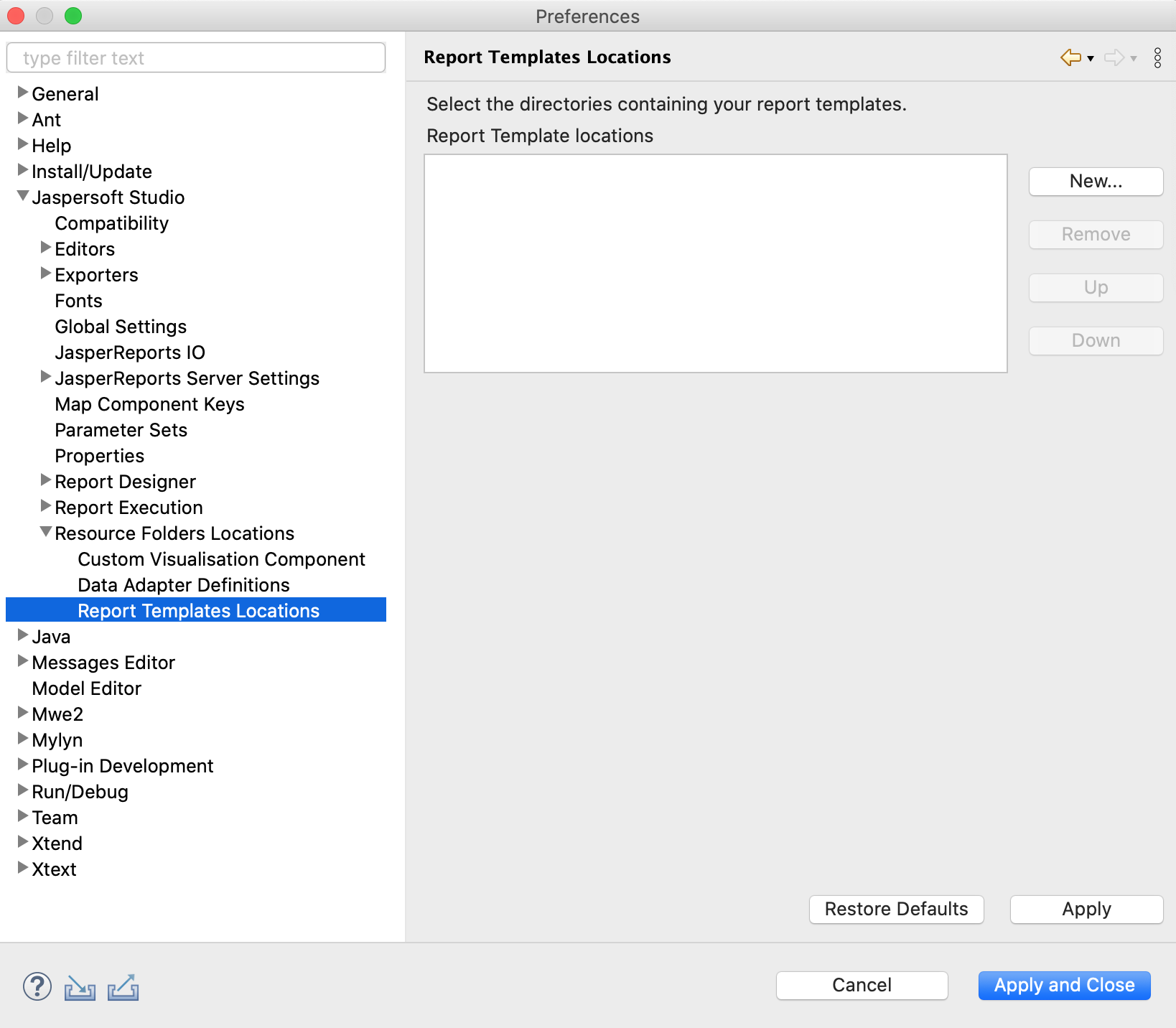
Figure 1 Template Location Preferences -
Navigate to the directory in which you stored your template.
-
Click Apply.
-
Click OK.
When you go to File > New > Jasper Report, your new template appears, along with the default templates.