Getting Started
The standalone web application distribution of JasperReports Web Studio comes in the form of a ZIP package that contains everything you need to start the application on a Linux, Windows, or macOS machine.
After downloading the package from the Jaspersoft website, you can extract its contents to a folder of your choice on your target machine and then navigate to that folder using a terminal window and launch the start.sh or start.bat script.
By default, the application starts on http://localhost:8088, but the port and other configuration parameters can be changed in the start script if needed.
The web application opens with the login page by default. Click the upper-right menu  , where you have the option to connect to various types of repositories where reporting resources are stored, including JasperReports Server instances, Google Drive accounts, or GitHub projects. Users can switch between repositories from this menu.
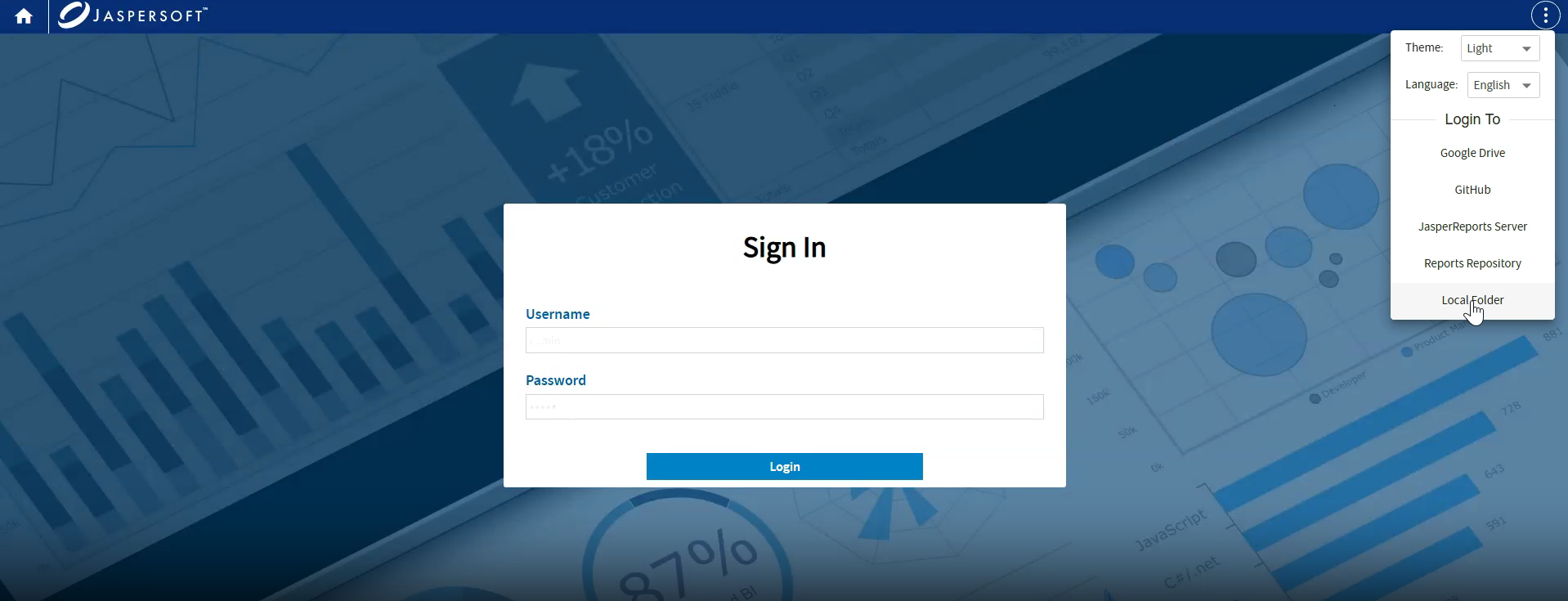
Users can set up default page from server settings, for example if you want to have JasperReports Server.
The setup is as mentioned below, values are given in the README.md.